junior week mar. 12, 2026
keyboard updates
fixed some errors before printing everything. the first problem was the friction fit pad and the pcb plate colliding.
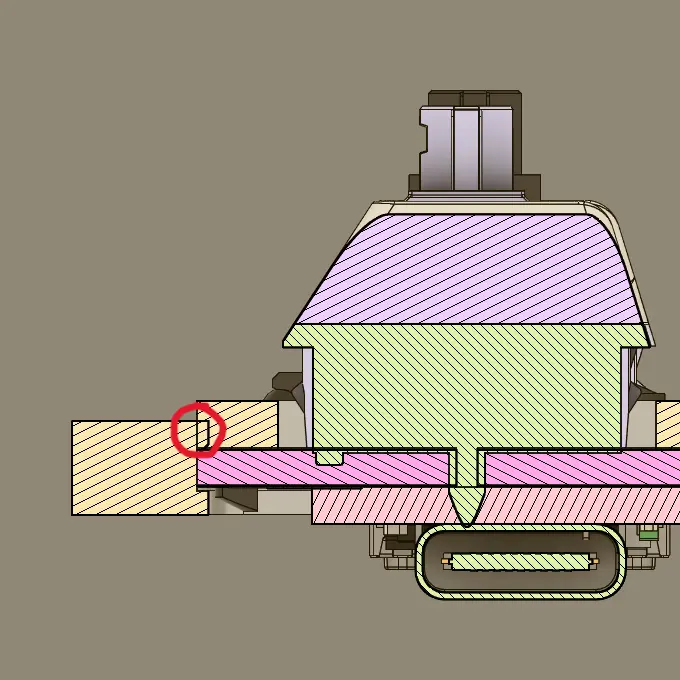
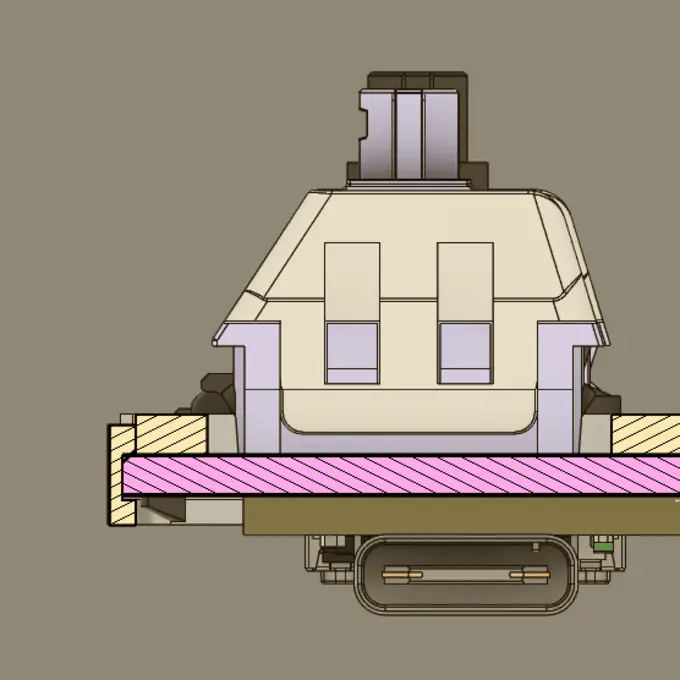
because of this, i decreased the size of the pcb plate by a little to give it some breathing room.
the next problem was a collision between the case and the friction fit pad, creating a fit that wouldn't allow the usb cable to go all the way in.
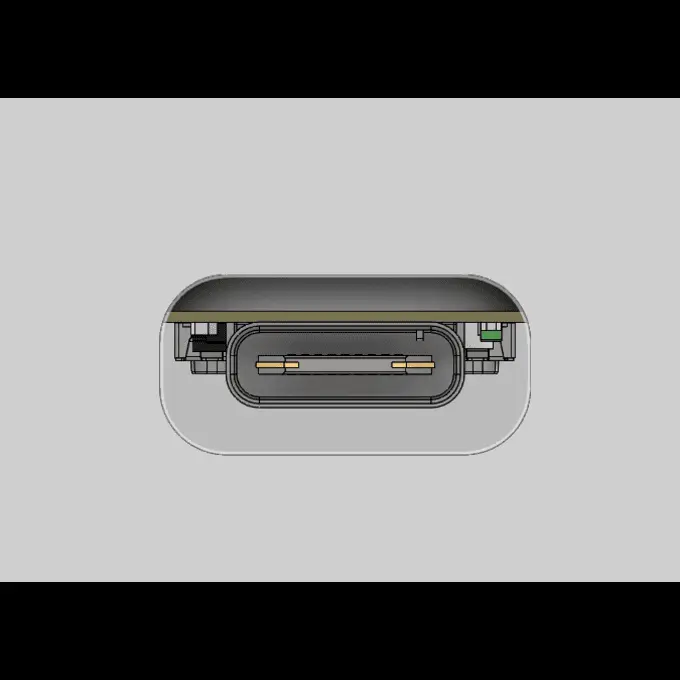
fixing this was a bit annoying because i tried using part-to-part design for the first time, so i had to keep jumping back and forth to create the hole in the friction fit pad. eventually got it fixed though.
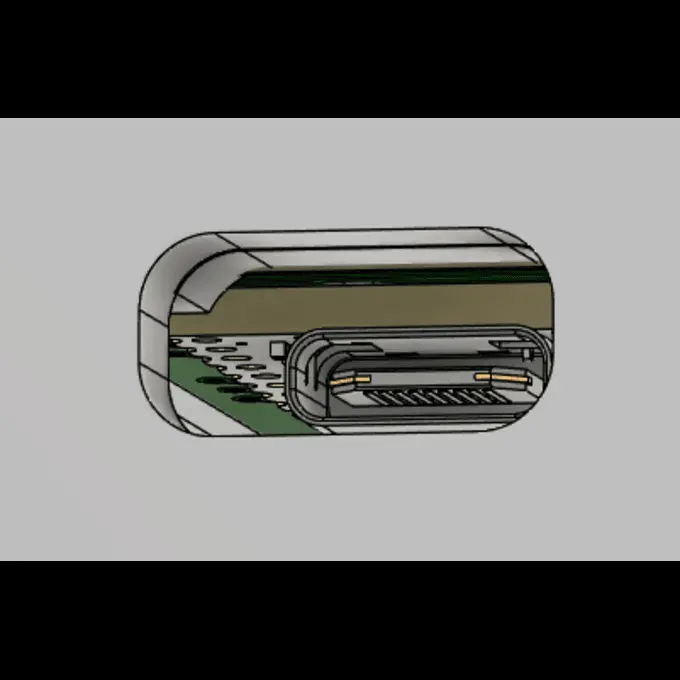
with all of this fixed, i started printing the case (forgot to take a photo). it worked out fine, but i can't really test the case without the friction fit pad. the pad needs to be printed with TPU and was way too big for the shop's current 3d printers, so i'll have to figure out a workaround for this.
i also did another test cut with the new pcb plate, and the laser cutter kinda didn't cut all the way through.
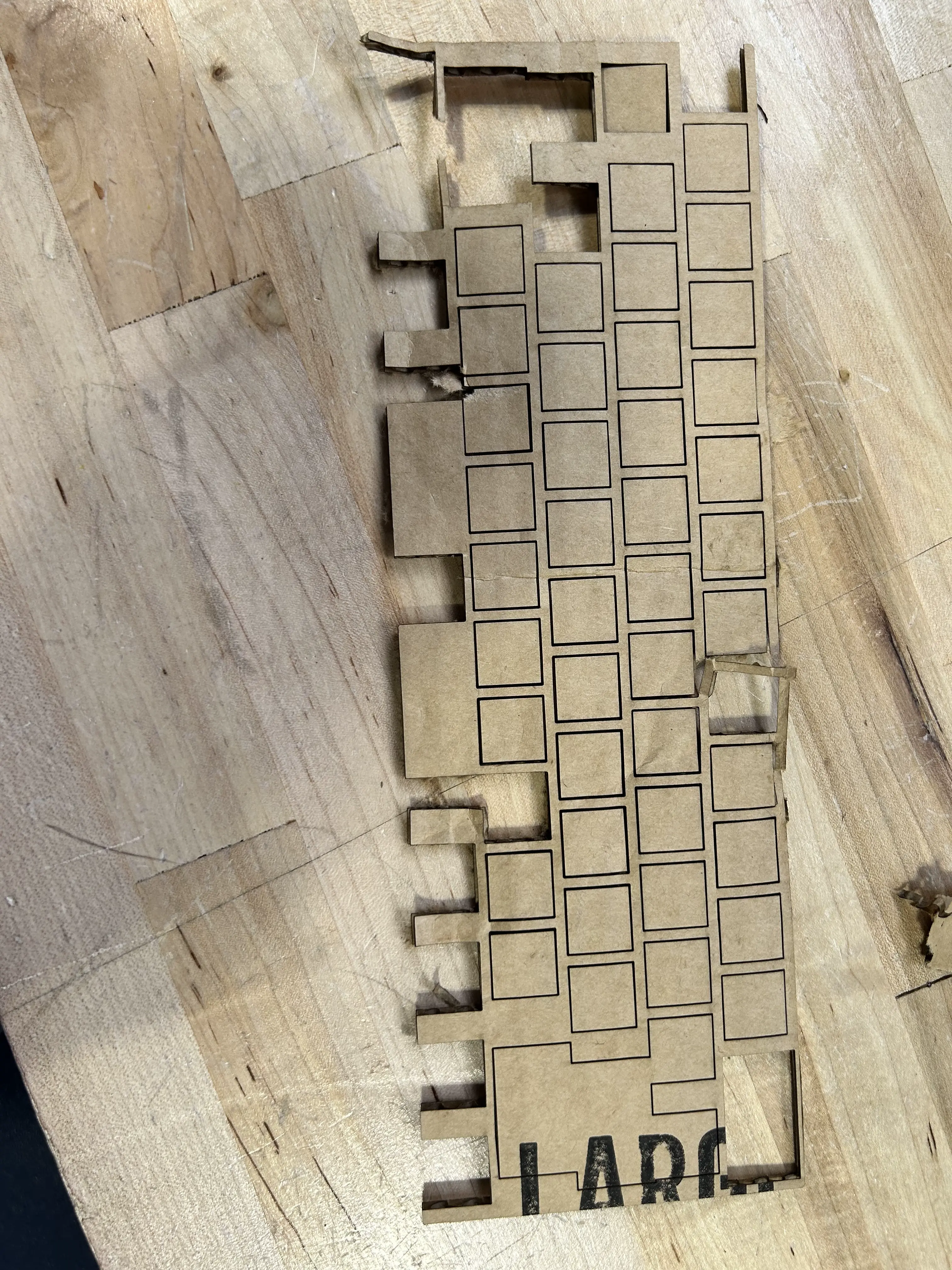
slightly annoying, but i just cut the rest of the holes (destroying it slightly in the process) and then tested the fit. it worked out well.
i then started working on keycaps again, and after a lot of time thinking, i decided to just have the r2 + r1 keycaps be the exact same as the r3 keycaps for simplicity.
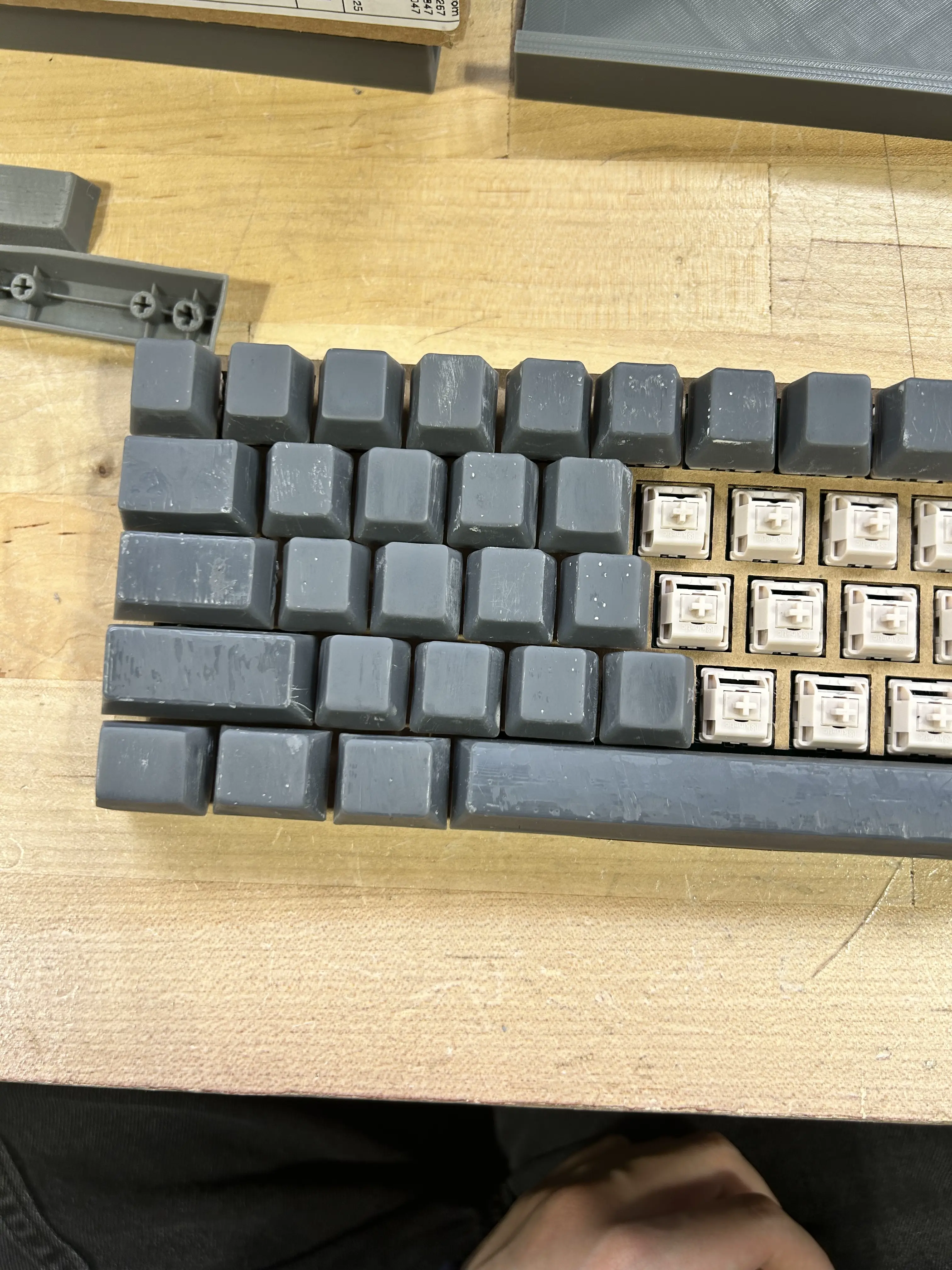
i also tried printing the keycaps in a different orientation. last time the keys were printed on the top to ensure the tolerance would fit, but that created a terrible finish on the top due to the support holes.
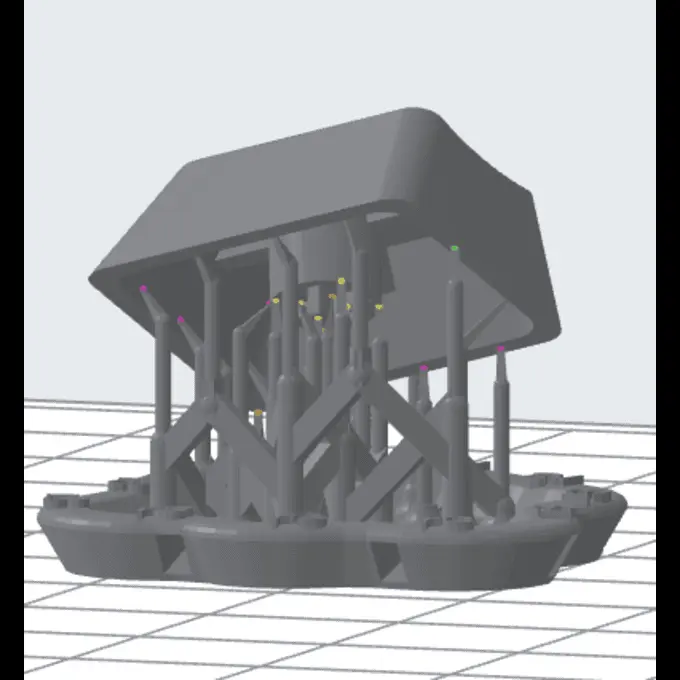
manually added some more support on the hole area. hoping it works out instead so i don't have to sand as much. however, i do have a bunch that are messed up with holes and pockmarks, so i grabbed a brush and started "painting" a thin layer over the top with raw resin. they're currently curing, so hopefully they turn out smooth.
i also tried to figure out the problem with the spacebar. i have two spacebars (both from the same model) yet they have different problems.
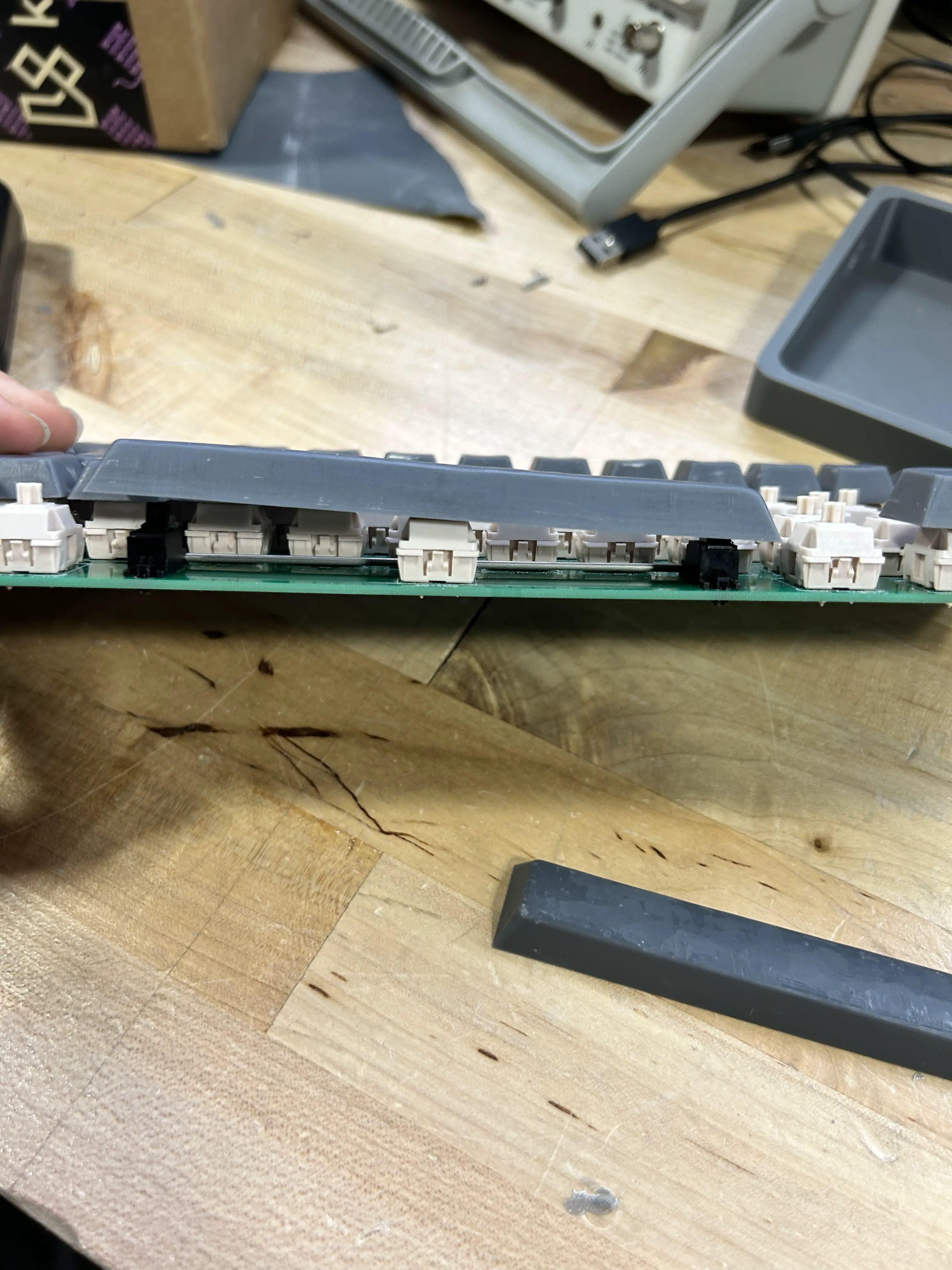
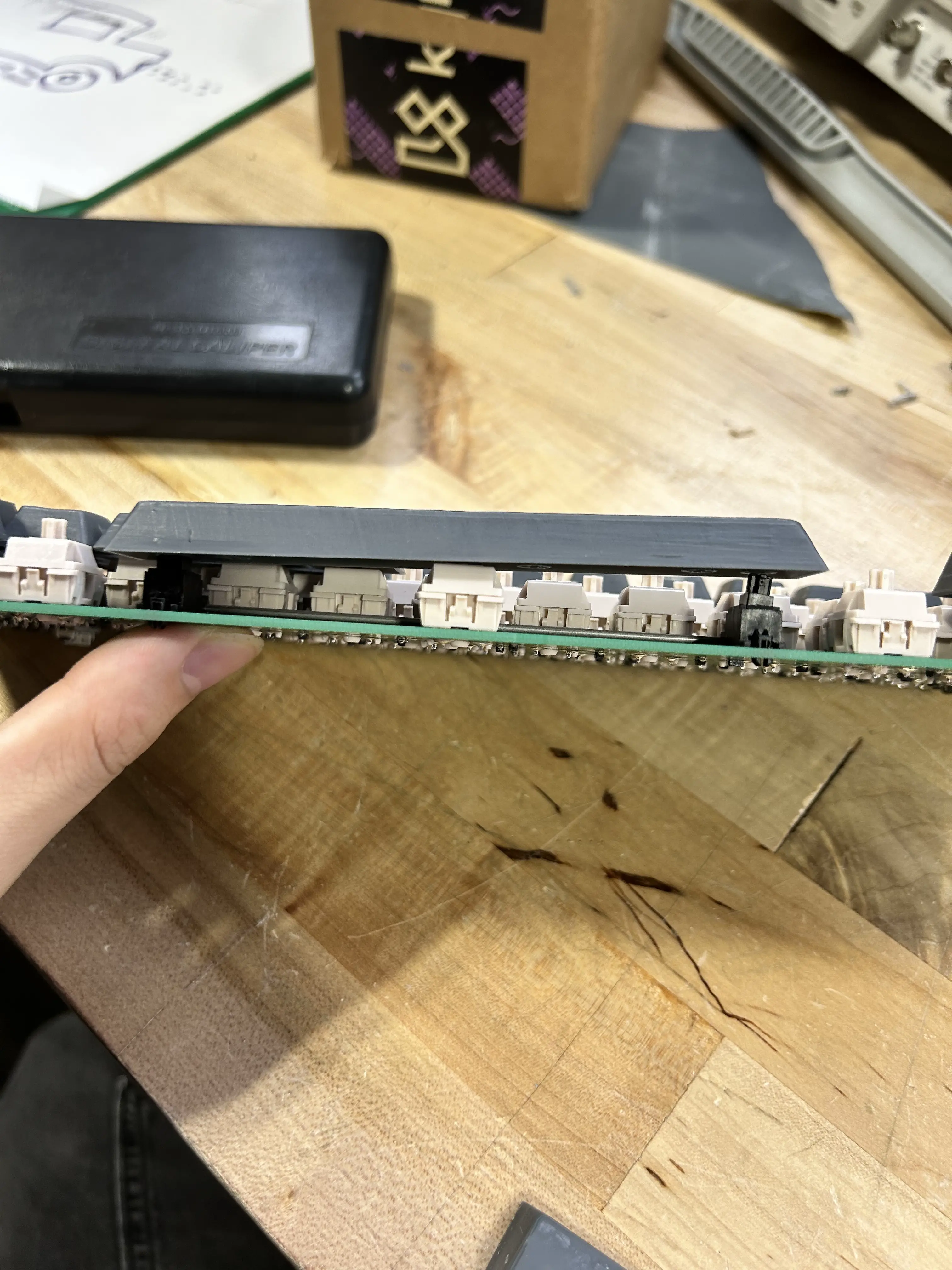
in the first image, the spacebar lifts on the left side. in the second image, the spacebar lifts on the right side. this creates a problem where typing on the opposite side or the middle of the spacebar will lift it up, rendering it unusable.
not too sure why it happens. the Bambu Labs printer didn't have this warping issue, so maybe it's just the resin printer having trouble with longer parts? i'm gonna reprint one more spacebar. hopefully it works.
also spent a lot of time looking at broken keyboards to harvest the keycaps, but realized that wouldn't work because of the shift error i mentioned like two months ago. looks like i'm sticking with the resin prints for now!